 ViolaScope
01
Cull photos
Work through large RAW and JPEG collections, mark your decisions and compare similar shots before choosing what to keep.
ViolaScope for macOS
Review, compare and organize large photo collections in a native macOS workspace that keeps the image, selection tools, metadata and project context together.
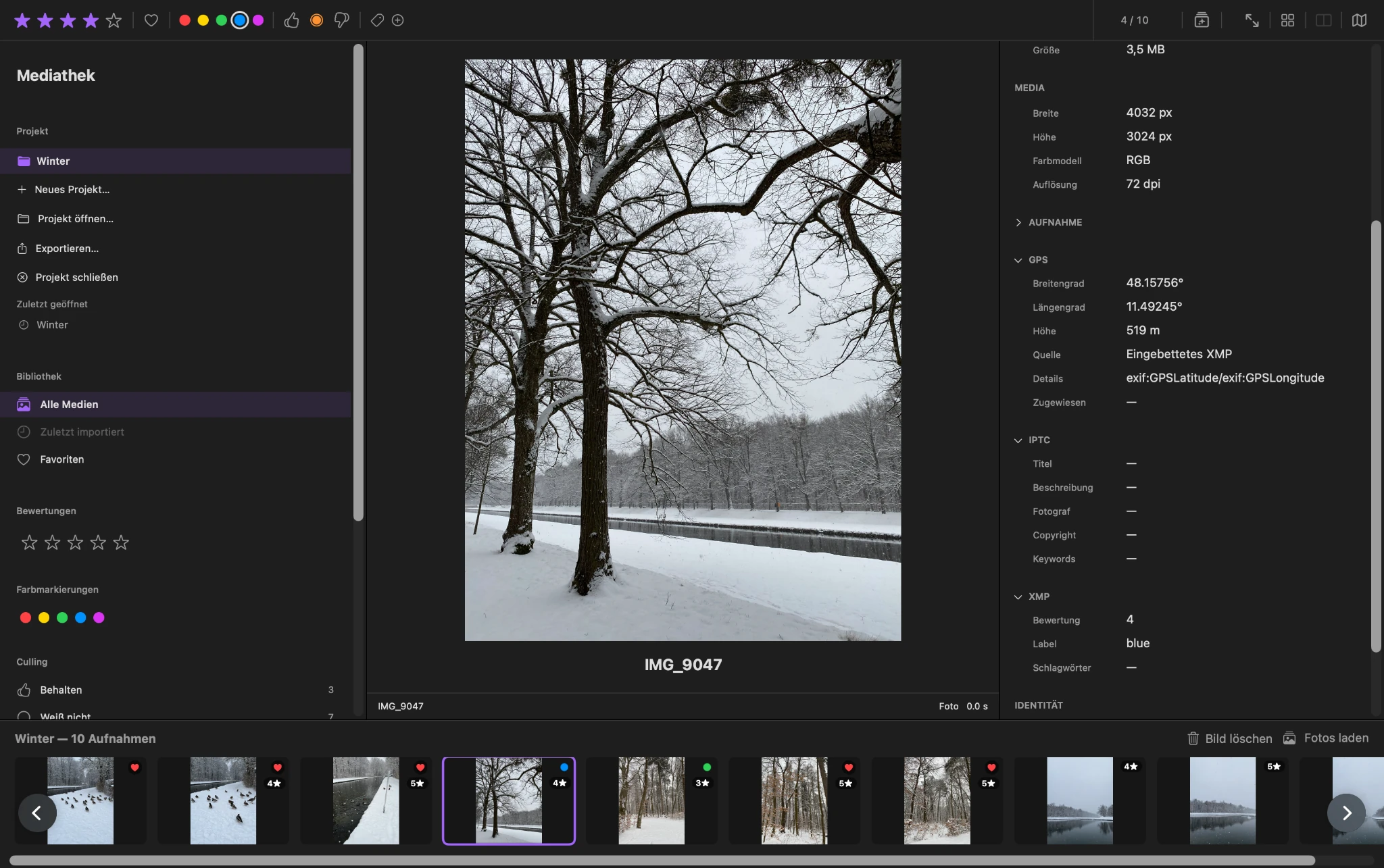
Review and organize
ViolaScope combines the main image, project navigation, filmstrip, ratings, color labels, favorites and metadata in one focused workspace.
Move through a collection without constantly switching between separate windows or tools.
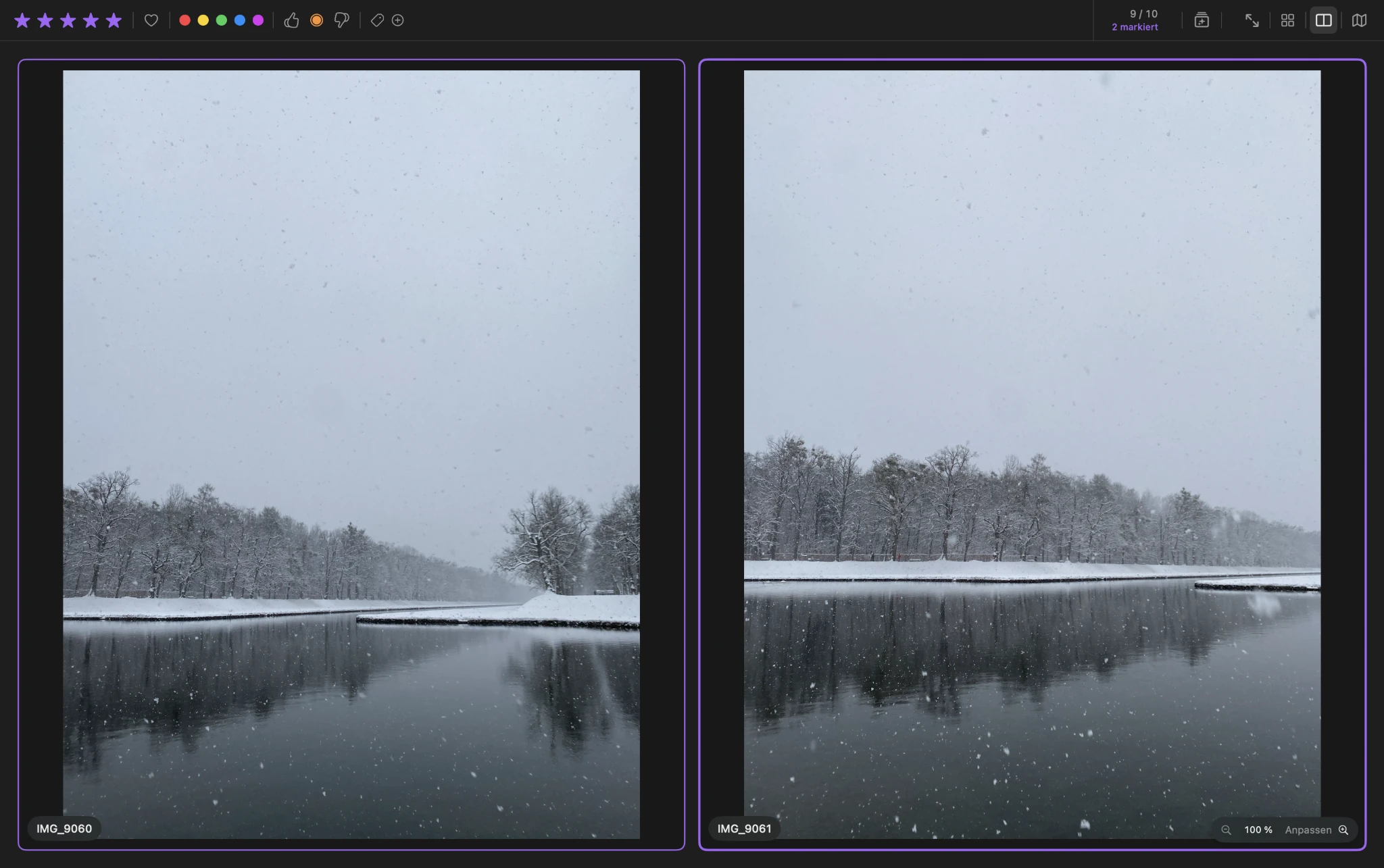
Compare
The comparison view places two selected images next to each other so differences in composition, timing and detail can be judged directly.
Zoom controls support closer inspection when the decision depends on fine image detail.
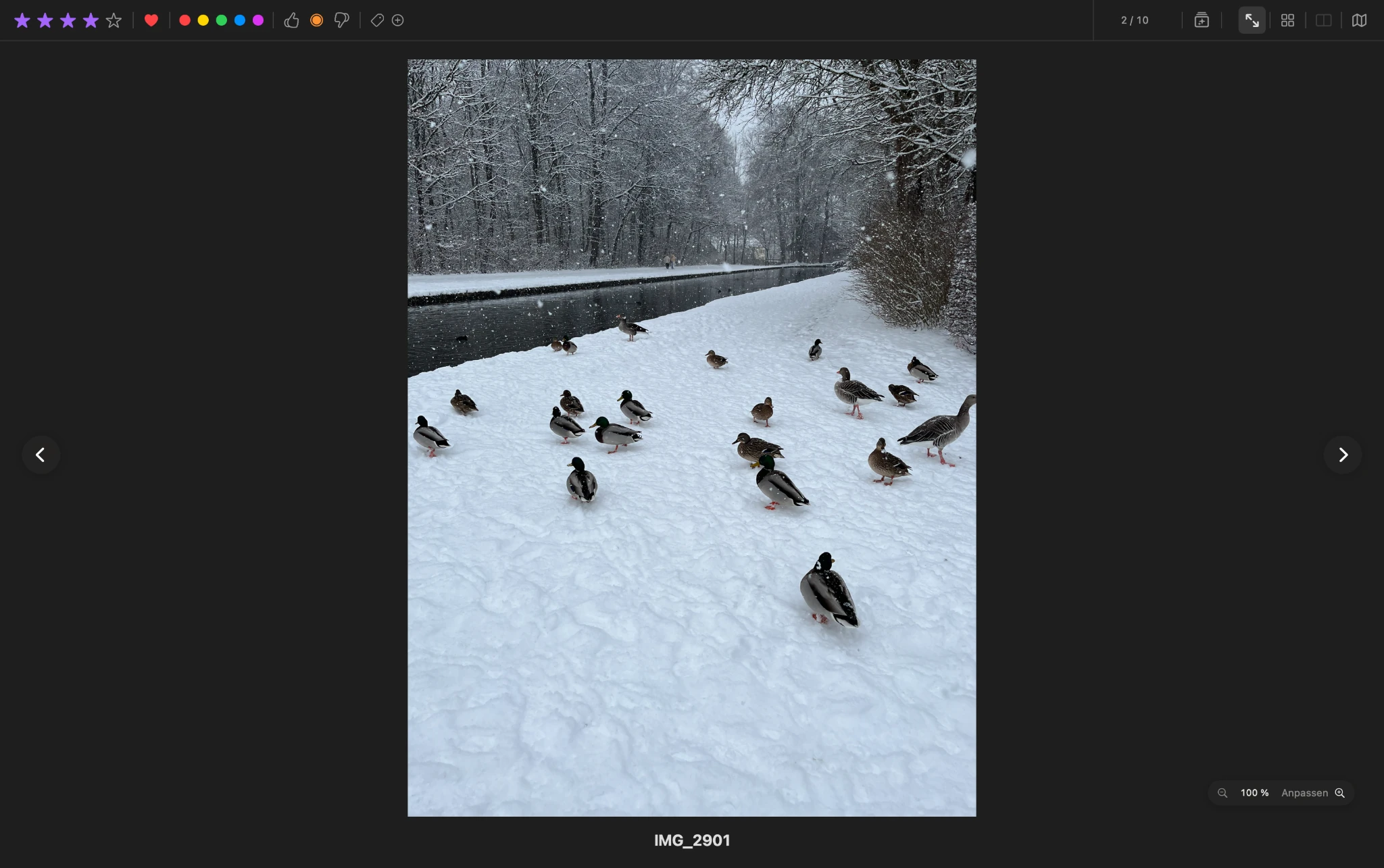
Focus
Switch to a focused single-image view when sidebars and project controls are no longer needed for the current decision.
Zoom and panning make it possible to inspect details while keeping the interaction direct and uncluttered.
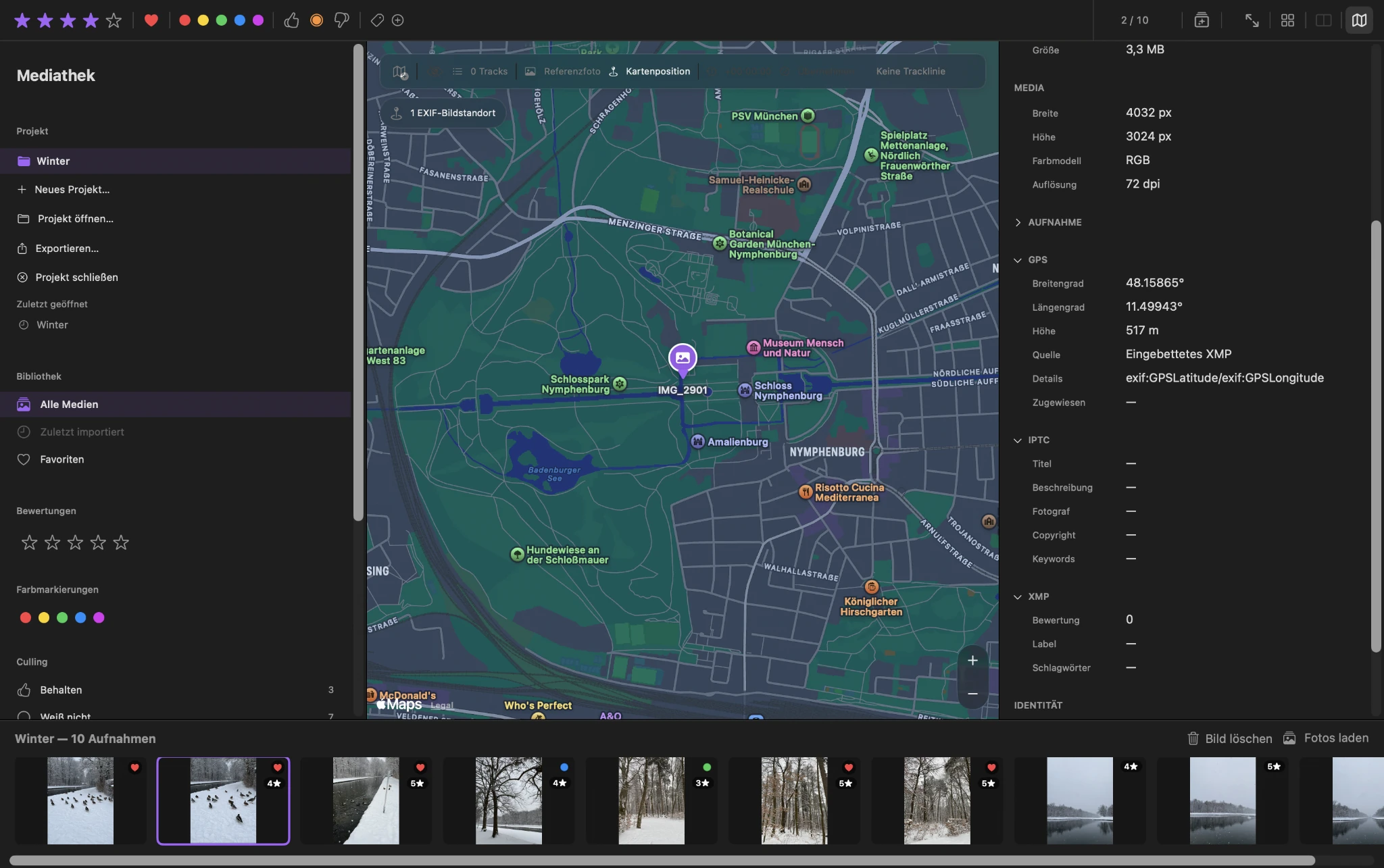
Location and GPX
ViolaScope can work with embedded or XMP location information and provides dedicated workflows for map positions, GPX tracks and reference photos.
Existing source location information is protected, while project-specific positions can be managed without changing the original image files.
Common workflows
Explore focused ViolaScope workflows for reviewing and organizing photo collections on your Mac.
01
Work through large RAW and JPEG collections, mark your decisions and compare similar shots before choosing what to keep.
02
Assign one to five stars, use favorites and color labels, then filter the visible collection according to your selection.
03
Place two similar shots next to each other, inspect small differences and keep ratings and culling available while you decide.
04
Keep photo review, ratings, metadata and project information on your Mac without depending on a proprietary ViolaScope photo cloud.
05
Match photo capture times with GPX tracks, account for time offsets and review assigned locations on the map.
06
Add your own project tags to photos and filter the visible selection when you want to work with a specific group.
Projects under your control
External folders can be used as temporary review sources. Images only become part of the permanent ViolaScope project through an explicit export workflow.
ViolaScope 1.0