ViolaScope for macOS
Rate photos on Mac with stars and labels
Add ratings while reviewing your photos, mark important images and filter the visible collection according to the decisions you have made. ViolaScope keeps rating and selection inside the same focused workflow.
Star ratings
Rate photos while you review them
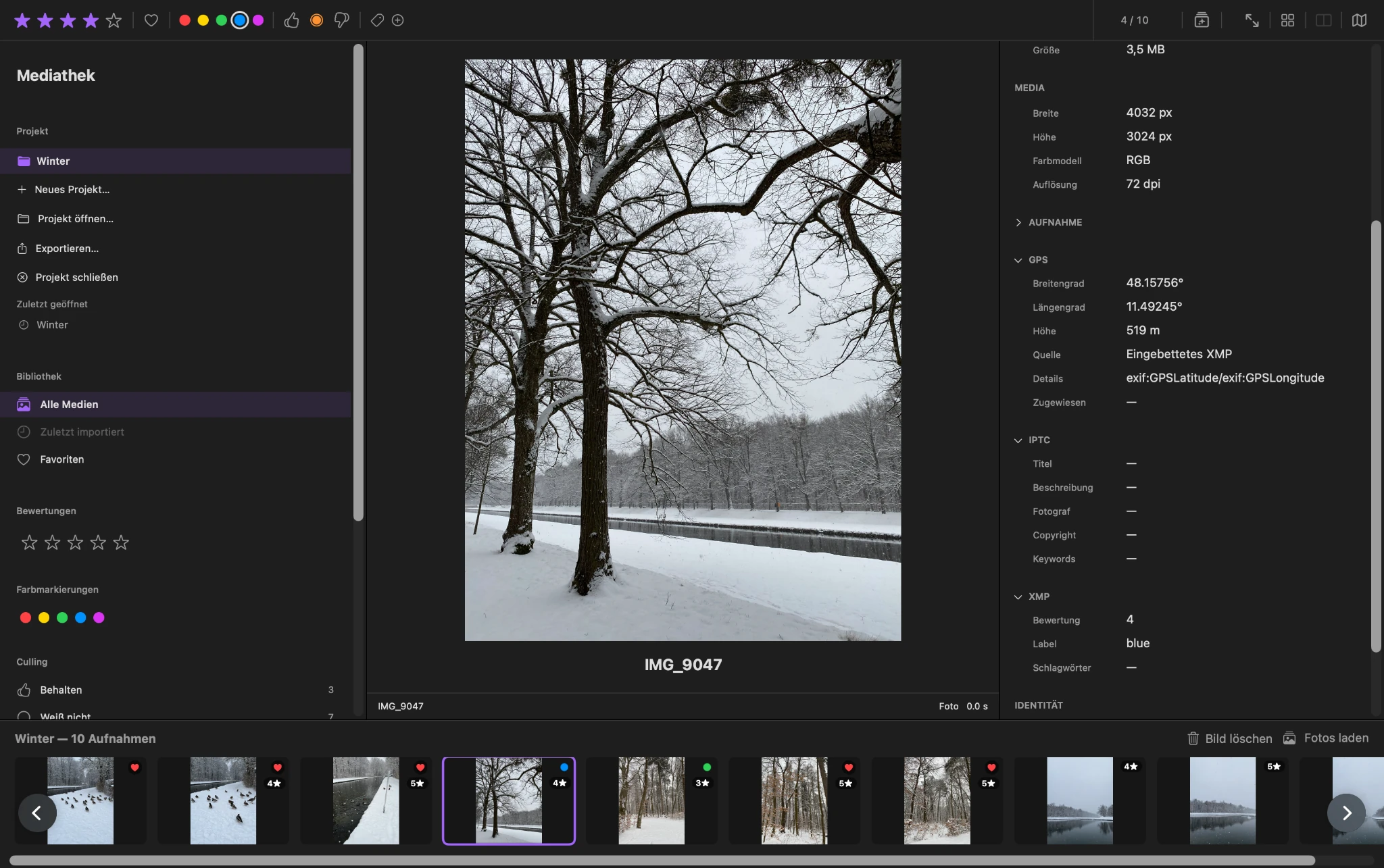
Assign one to five stars as you move through a photo collection. Ratings become part of the review process instead of a separate task that has to be completed later.
The main image, filmstrip and rating controls remain available together, so a decision can be recorded while the photograph is still in view.
More than stars
Mark photos in the way that fits the decision
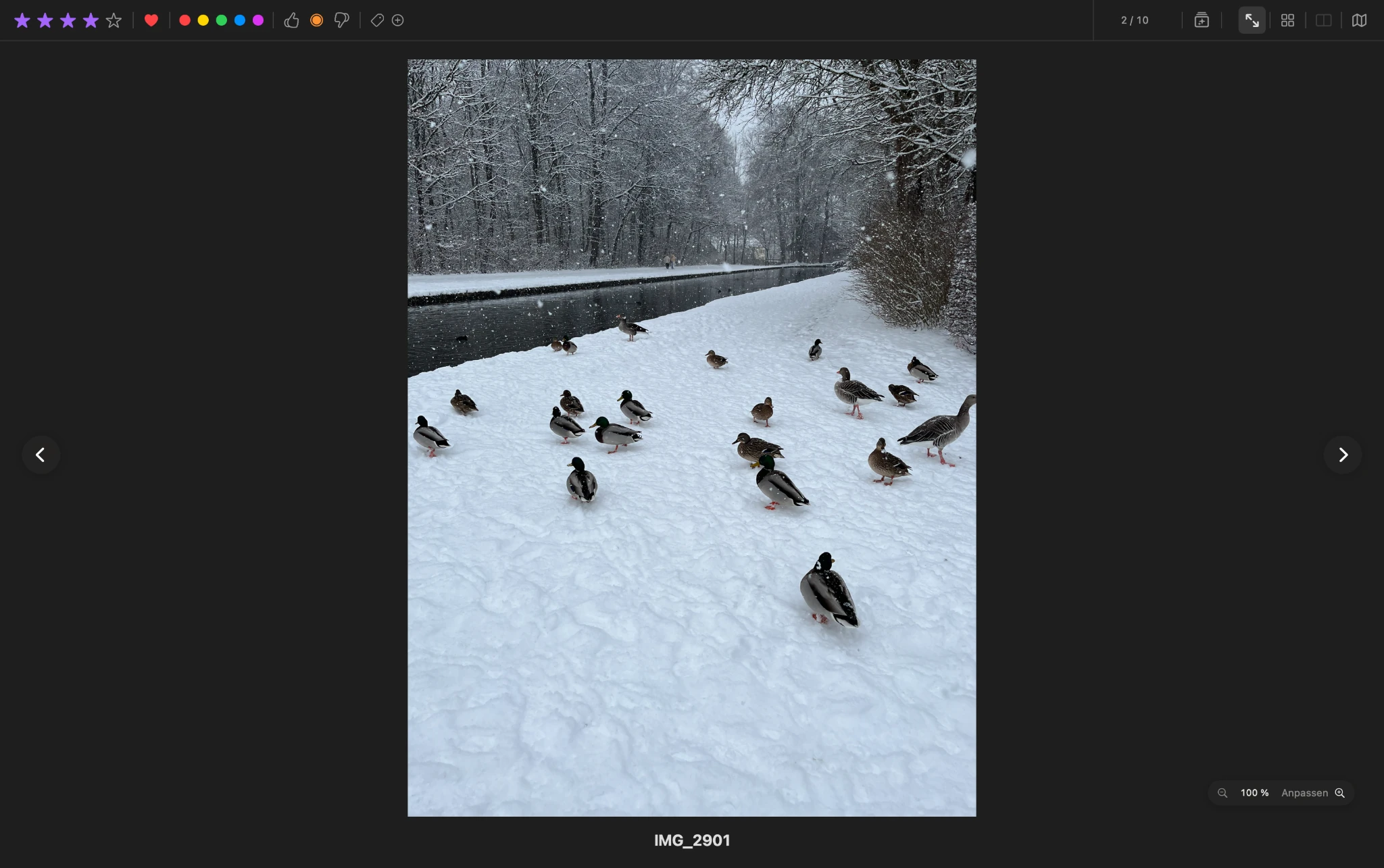
A star rating is not the only way to describe a selection. ViolaScope also supports favorites, color labels and culling decisions for different stages of the review process.
These selection signals make it possible to distinguish between a quality rating, a favorite image, a visual category and a keep-or-reject decision.
Filter and compare
Turn ratings into a working selection
Filter the visible collection by a rating, favorite, color label, culling status or tag and continue working with the matching photos.
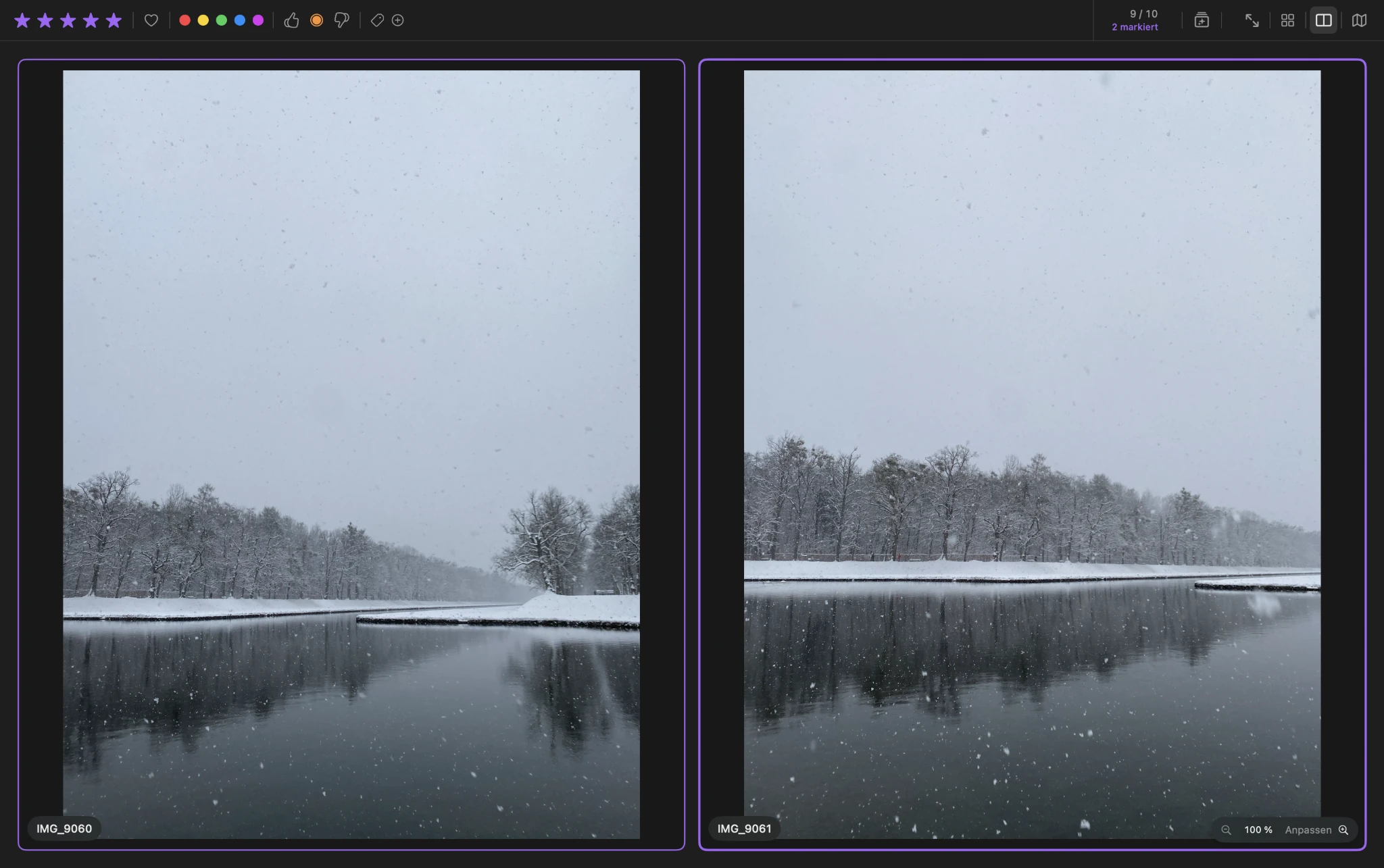
When two similar images remain, the comparison view places them side by side. Synchronized zoom and panning help inspect fine details before making the next decision.
From rating to selection
Keep the decision attached to the workflow
ViolaScope brings reviewing, rating, filtering and comparison together without turning the process into image editing. Your original image files remain untouched during review.
Download ViolaScope