ViolaScope for macOS
Photo culling on Mac for RAW and JPEG workflows
ViolaScope is photo culling software for Mac designed for reviewing and narrowing down RAW and JPEG shoots before editing. Rate individual shots, compare similar images and refine your selection step by step in one focused macOS workspace.
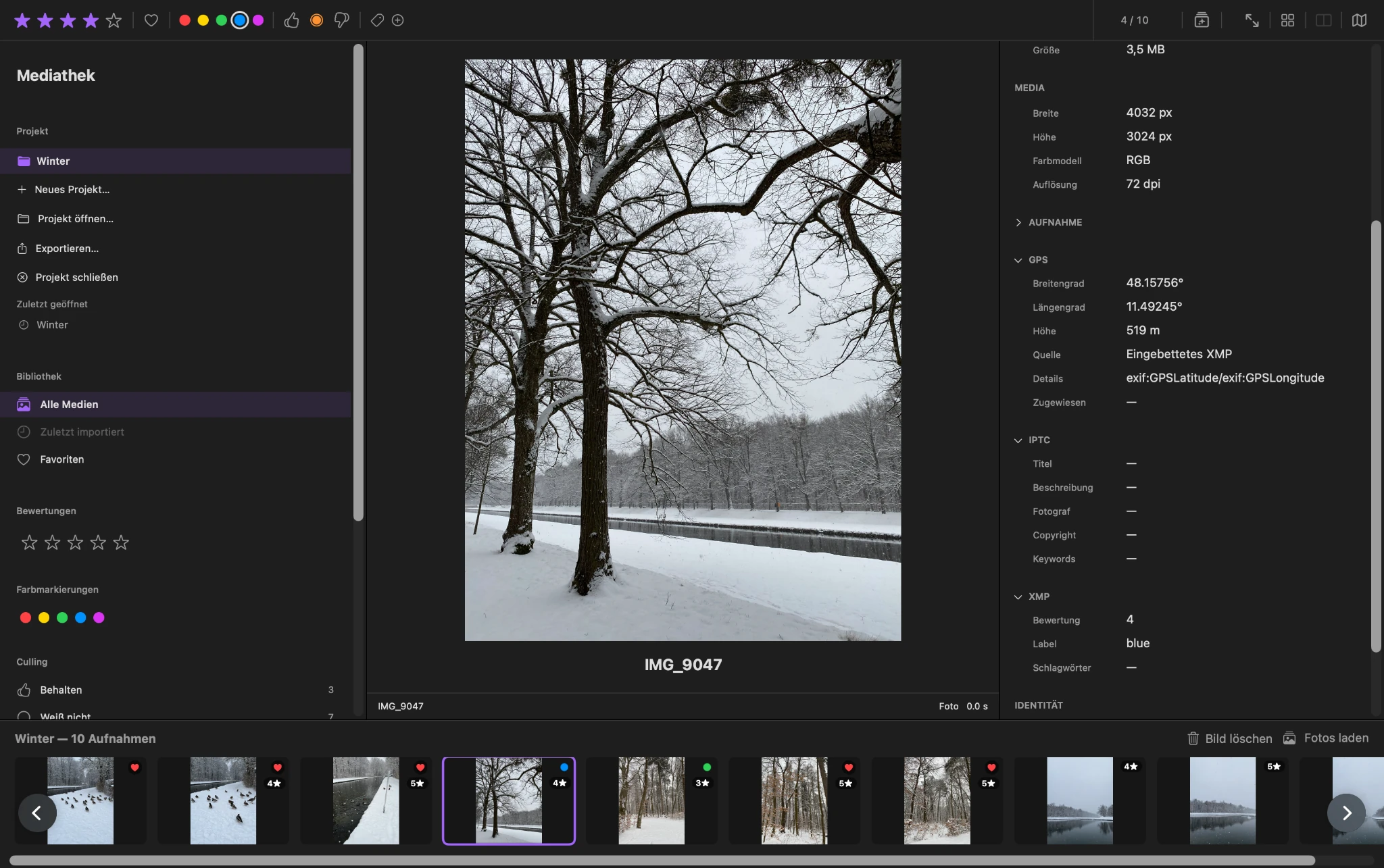
Photo culling workflow
Move from a full shoot to a focused selection
ViolaScope keeps the main image, filmstrip and selection tools visible together. Start with the complete set, move through photos one by one or in the grid, and record clear choices with Pick, Hold and Reject.
Star ratings, favorites and color labels add another layer when you need it. Compare similar frames side by side, filter the project by your decisions and return to uncertain photos for a second pass.
For the decision states and a complete example process, see the Culling chapter in the ViolaScope Manual.
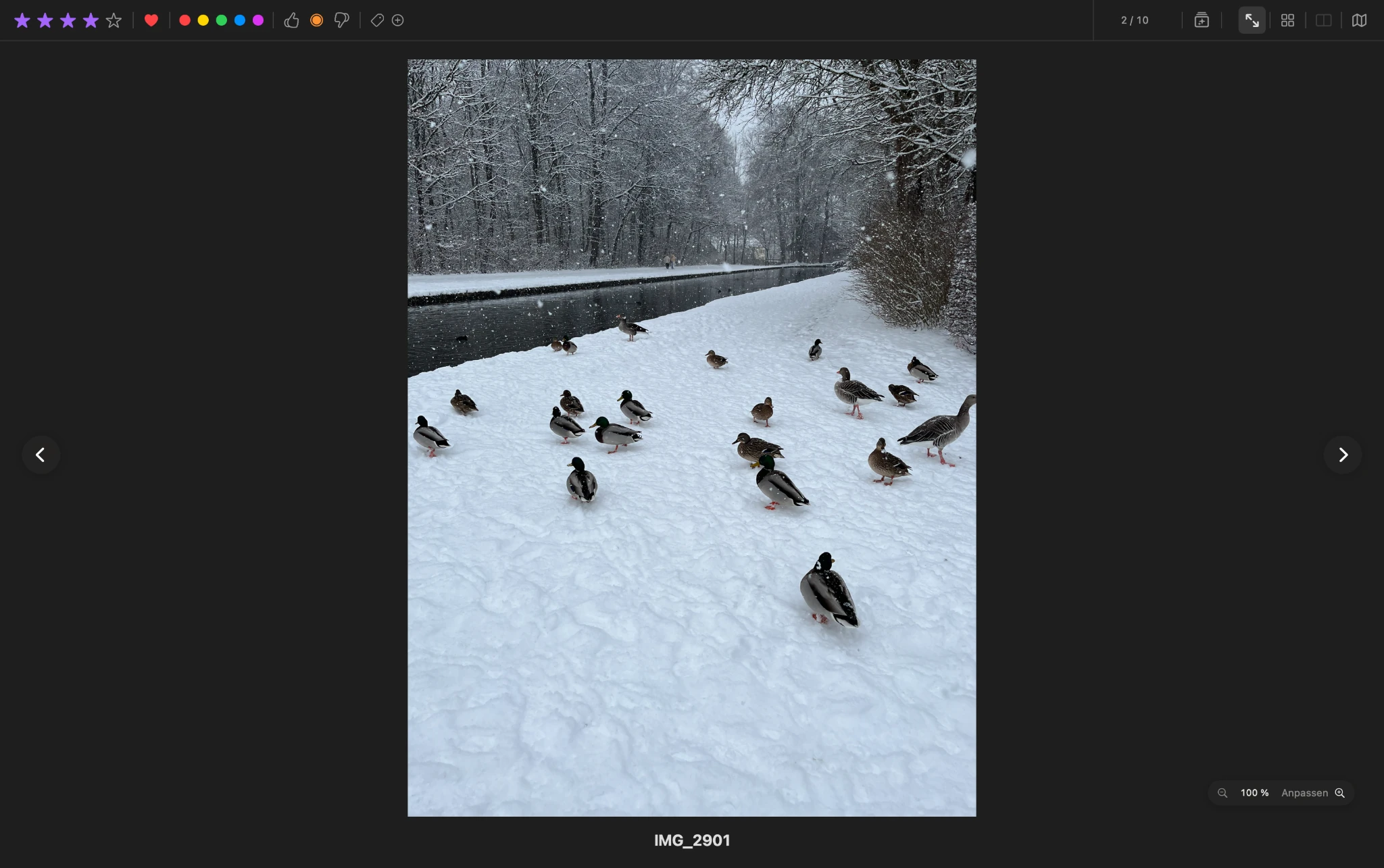
RAW and JPEG selection
Focus on selection, not image editing
RAW and JPEG photos can be part of the same review and selection workflow. ViolaScope is deliberately not an image editor: its focus is on reviewing, rating and organizing your photographs.
Proprietary RAW decoding uses the support available through macOS ImageIO, so compatibility can depend on the camera, file variant and macOS version. See the photo and RAW compatibility notes before relying on a particular camera format.
This keeps RAW photo culling and JPEG review in the same selection workflow while leaving later development or editing to the applications you use for that work.
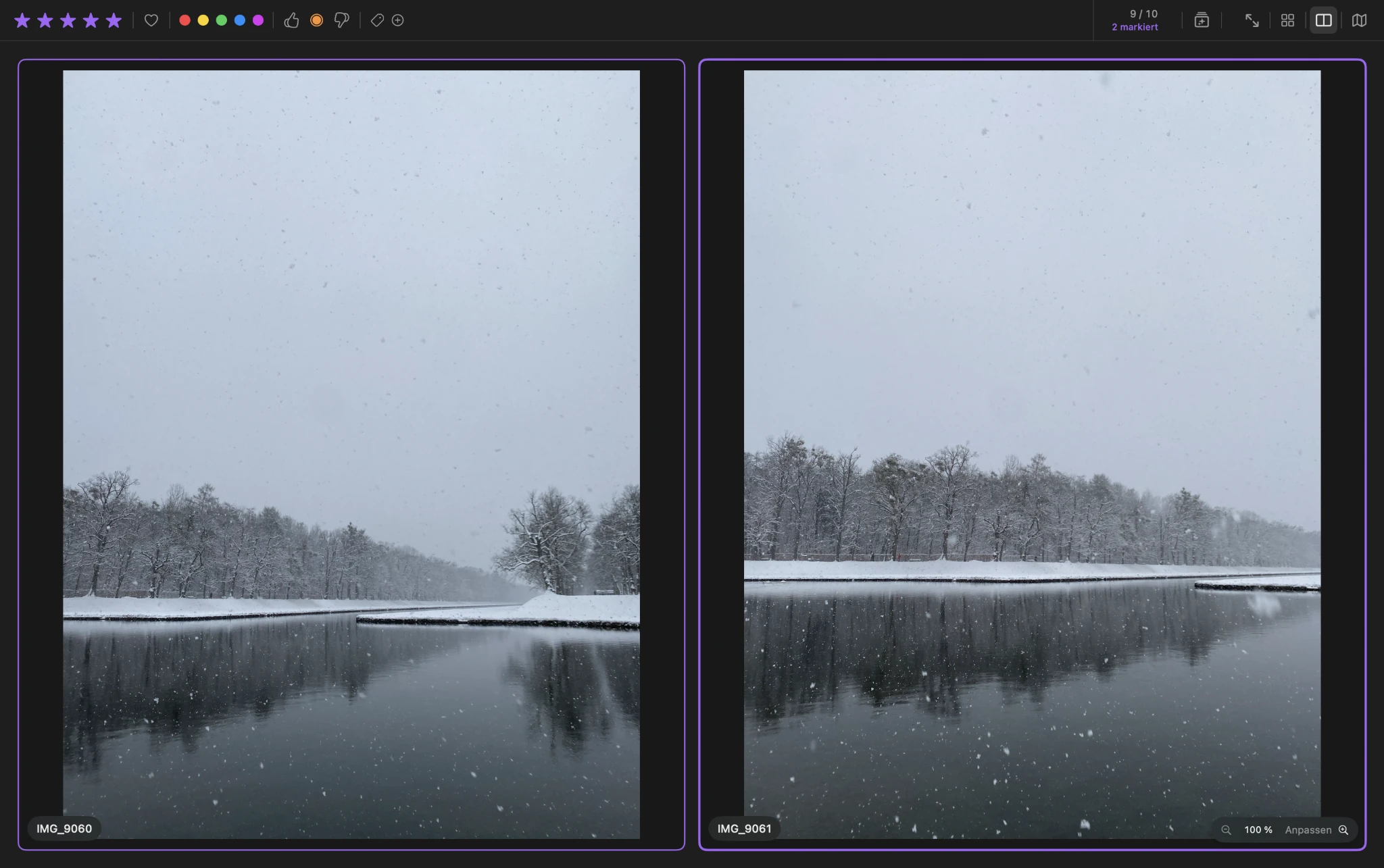
Compare
Put similar shots side by side
With bursts and similar compositions, the difference between keeping and rejecting a photo can come down to a small detail. ViolaScope places two selected images side by side so timing, composition and fine details can be judged directly.
Synchronized zoom and panning support closer inspection when the final choice cannot be made from the overall image alone.
Your selection, your originals
Original photos stay untouched
ViolaScope manages the review and selection workflow without modifying the original image files during review. Ratings, selection decisions and project information are managed separately from those original files.
Continue with photo ratings, or see how ViolaScope keeps photo management local on your Mac. ViolaScope 1.0 is available as a one-time purchase with no ViolaScope subscription.
Download ViolaScope